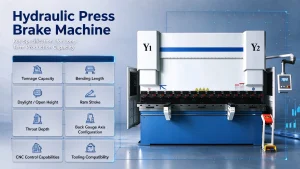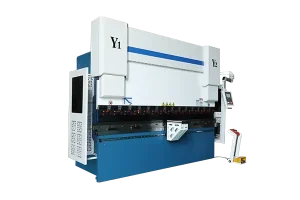
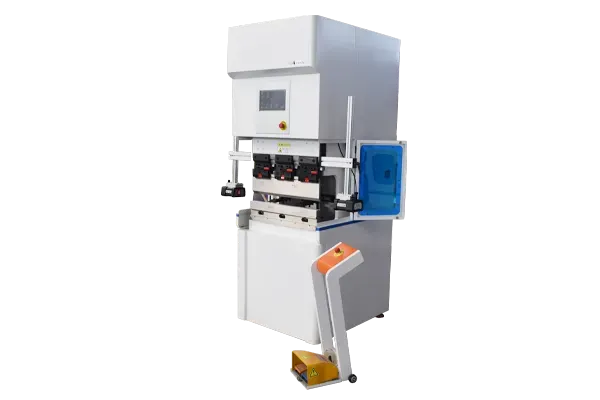
Electric CNC press brakes are known for their precision, energy efficiency, and quiet operation. Unlike hydraulic systems, they rely on servo-electric drives to deliver high bending accuracy and fast response times. However, even the most advanced electric press brakes can experience operational issues that affect productivity and part quality.
In this article, we’ll explore the most common troubleshooting problems in electric CNC press brakes, their root causes, and proven solutions — helping operators, maintenance teams, and manufacturers keep production running smoothly.
6 Common Issues on Electric CNC Press Brakes and Solutions
1. Inconsistent Bending Angle
Symptoms
- Angles vary along the bend line
- Repeatability issues despite proper tooling setup
Possible Causes
- Incorrect back gauge positioning or calibration
- Material thickness variations
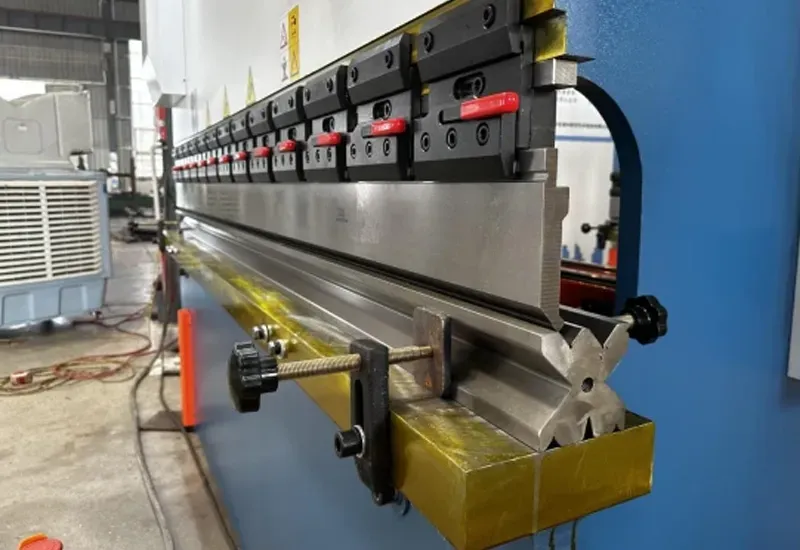
- Worn or misaligned tooling
- Servo drive or encoder miscalibration
Solutions
- Recalibrate the back gauge system using the machine’s software interface.
- Measure and input accurate material parameters (thickness, tensile strength) in the CNC control.
- Inspect and clean the V-die and punch to ensure uniform seating.
- Perform a servo axis recalibration to restore precision positioning.
Tip: For consistent angles in thin sheets, use angle measurement sensors or automatic crowning systems available in advanced electric CNC press brakes.
2. Slow or Unresponsive RAM Movement
Symptoms
- The ram moves sluggishly or stops mid-stroke
- Cycle time increases unexpectedly
Possible Causes
- Faulty servo motor or drive unit
- Encoder signal loss
- Software communication error
- Overheating in the servo system
Solutions
- Check the servo drive diagnostics for error codes and reset if necessary.
- Inspect the encoder cable and connections for damage or loose plugs.
- Ensure the cooling fans are operating and remove dust from ventilation paths.
- Update the CNC controller firmware to the latest version recommended by the manufacturer.
Preventive measure: Keep the servo system clean and perform routine motor temperature checks to prevent overheating.
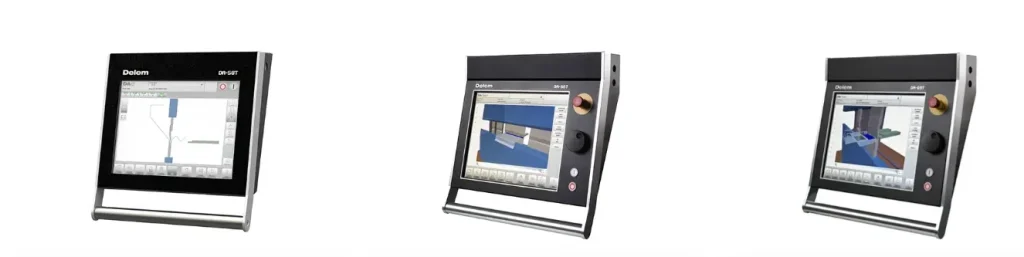
CNC Control System
3. Excessive Noise During Operation
Symptoms
- Abnormal humming or vibration from the frame or servo units
- Audible clicking during bending
Possible Causes
- Mechanical looseness in the ram or guideways
- Worn ball screws or bearings
- Resonance from uneven floor mounting
- Damaged servo coupling

Solutions
- Tighten all bolts and mechanical fasteners on the ram and side frames.
- Check ball screw lubrication and replace bearings if excessive play is detected.
- Level the machine base to eliminate vibration transfer.
- Inspect the servo coupling for cracks or misalignment.
Expert tip: Use vibration sensors or monitoring tools to detect early mechanical wear before it leads to downtime.
4. CNC Controller Errors or Screen Freezes
Symptoms
- CNC display becomes unresponsive
- Unexpected software crashes during operation
Possible Causes
- Corrupted parameter files
- Outdated CNC firmware
- Faulty memory or communication board
Solutions
- Back up all machine parameters and reload the configuration from a verified source.
- Update the CNC system to the latest firmware version.
- Replace damaged I/O modules or communication boards if hardware failure is detected.
Tip: Maintain a regular software backup schedule to quickly recover from control errors and prevent data loss.
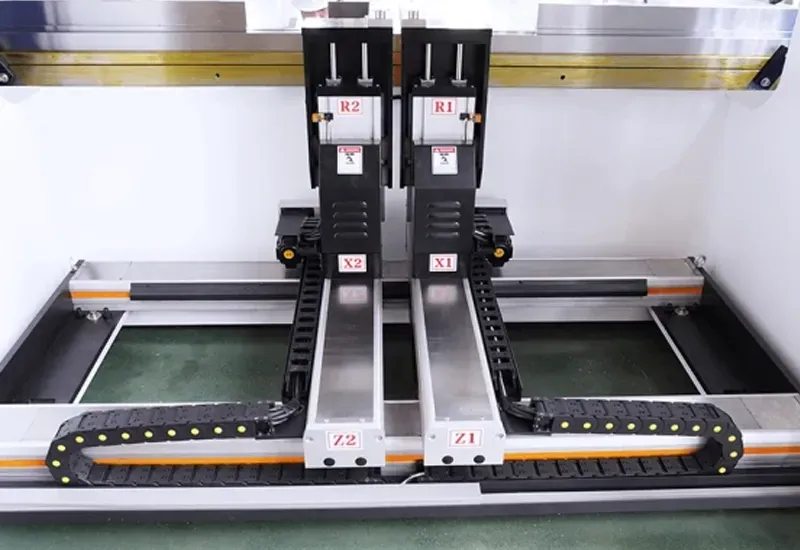
5. Inaccurate Back Gauge Positioning
Symptoms
- Incorrect bending lengths or uneven parts
- Back gauge doesn’t return to home position
Possible Causes
- Contamination on guide rails
- Encoder offset or calibration drift
- Stepper motor malfunction
Solutions
- Clean and lubricate guide rails and lead screws.
- Recalibrate the back gauge zero point from the CNC control menu.
- Replace faulty stepper or servo motors after verifying power output.
Expert note: If back gauge alignment issues persist, check for mechanical play in the linear bearing assembly.
6. Power Supply or Safety Alarm Activation
Symptoms
- Machine suddenly stops and displays an alarm code
- Emergency stop triggered repeatedly
Possible Causes
- Voltage fluctuation or grounding issue
- Fault in limit switch or safety interlock
- Servo overload or overheating
Solutions
- Verify input voltage stability and proper grounding.
- Inspect all limit switches and interlocks for proper operation.
- Allow the servo motor to cool and check the load torque setting in the CNC parameters.
Tip: Use an uninterruptible power supply (UPS) to protect sensitive electronic components from sudden power loss.
Preventive Maintenance Tips
- Daily: Check oil levels (if hybrid type), clean sensors, and ensure safety covers are intact.
- Weekly: Inspect the backgauge, tools, and alignment accuracy.
- Monthly: Calibrate axes, update CNC software, and check electrical connections.
- Annually: Conduct a full diagnostic check and replace wear parts.
A proactive maintenance plan not only extends the lifespan of your electric CNC press brake but also keeps bending performance consistent.
Conclusion
Electric CNC press brakes are designed for high accuracy, energy savings, and low maintenance — but only when operated with proper care and troubleshooting awareness. Most common issues, from bending angle inconsistency to servo or CNC errors, can be prevented through timely calibration, cleaning, and monitoring.
If you’re seeking a reliable electric CNC press brake manufacturer, choose a partner that offers technical support, customization, and long-term maintenance service. As an experienced manufacturer, we provide advanced servo-electric press brakes engineered for precision, durability, and smart diagnostics — helping your workshop stay efficient, safe, and productive.
Contact us today to learn more about our electric CNC press brake solutions or request a tailored quotation for your production needs.